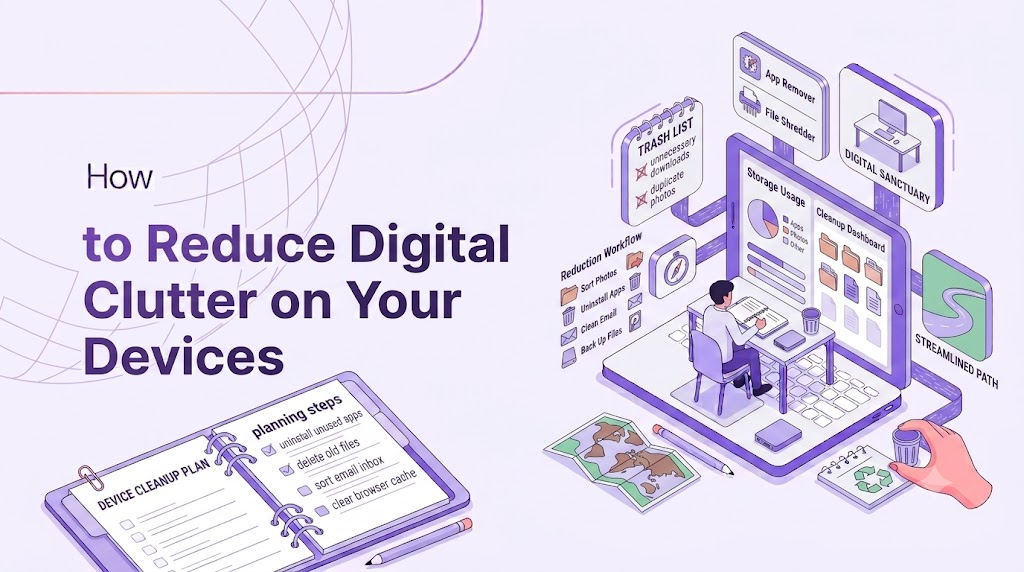
Digital clutter works the same way physical clutter does — it accumulates quietly until your phone or laptop feels chaotic and slow, even when nothing is technically “broken.” Photos you’ll never look at, apps you forgot you installed, thousands of unread emails: all of it adds low-grade mental weight every time you open your device. Clearing it out is one of the most satisfying, low-effort forms of digital detox.
Start With Your Home Screen
Your home screen is prime real estate, and most people fill it with far more than they use. Keep only the apps you open daily. Everything else goes into folders or off the front screen entirely. A calmer home screen means less visual noise every single time you unlock your phone.
Delete Apps You Haven’t Opened in 90 Days
Most phones let you check last-used dates in Settings. Anything untouched for three months is very unlikely to be missed. If you need it again later, redownloading takes thirty seconds — there’s no real cost to deleting now.
Tackle Your Photo Library in Short Bursts
Thousands of near-duplicate photos and screenshots are one of the biggest clutter sources. Rather than trying to sort your entire library in one sitting, spend 10 minutes a day swiping through and deleting blurry shots, duplicates, and old screenshots you no longer need. It adds up faster than it feels like it should.
Unsubscribe Instead of Just Deleting Emails
A cluttered inbox usually isn’t a filing problem — it’s a subscription problem. Instead of repeatedly deleting the same newsletter, use your email provider’s “unsubscribe” link or a bulk-unsubscribe tool. Fewer emails coming in means less clutter to manage going forward, not just today.
Clear Out Your Downloads Folder
Downloads folders quietly become dumping grounds for PDFs, installers, and files you opened once and forgot about. Sort by date, delete anything you don’t recognize or need, and move the rest into properly labeled folders.
Organize Cloud Storage With a Simple System
If your Google Drive, iCloud, or Dropbox is a mess, you don’t need an elaborate system — just three or four broad folders (Work, Personal, Archive, Shared) are usually enough to make files findable again. The goal is reducing search time, not building the perfect taxonomy.
Turn Off Notification Badges
Little red numbers on app icons create a subtle, constant pressure to “clear” them, which pulls you into apps you didn’t intend to open. Turning off badge notifications for non-essential apps removes that pull and makes your device feel calmer just to look at.
Make It a Recurring Habit, Not a One-Time Clean
Digital clutter rebuilds itself quickly. A quick 15-minute tidy-up once a month — checking apps, photos, downloads, and subscriptions — keeps things from piling back up. Treat it like a small recurring chore, not a giant annual project.
A decluttered device isn’t just neater to look at. It reduces the number of tiny decisions and distractions your brain has to process every time you pick up your phone, which is a real and measurable form of mental relief.